As a developer finding the right editor and customizing it is one of personal preference. I had always like dark themes and was fascinated when working on Vi, Emacs, Notepad++ and TextMate. But the search for the best editor continues in my mind always.
My primary job involves working with .Net and Visual Studio IDE is the preferred platform. I am comfortable using it, but it is huge when all you need is to edit a couple of documents. When Visual Studio Code was launched, I was excited and have used it as an editor in my office machines. Recently I am exploring my hands on using my personal Mac to try development of .Net apps.
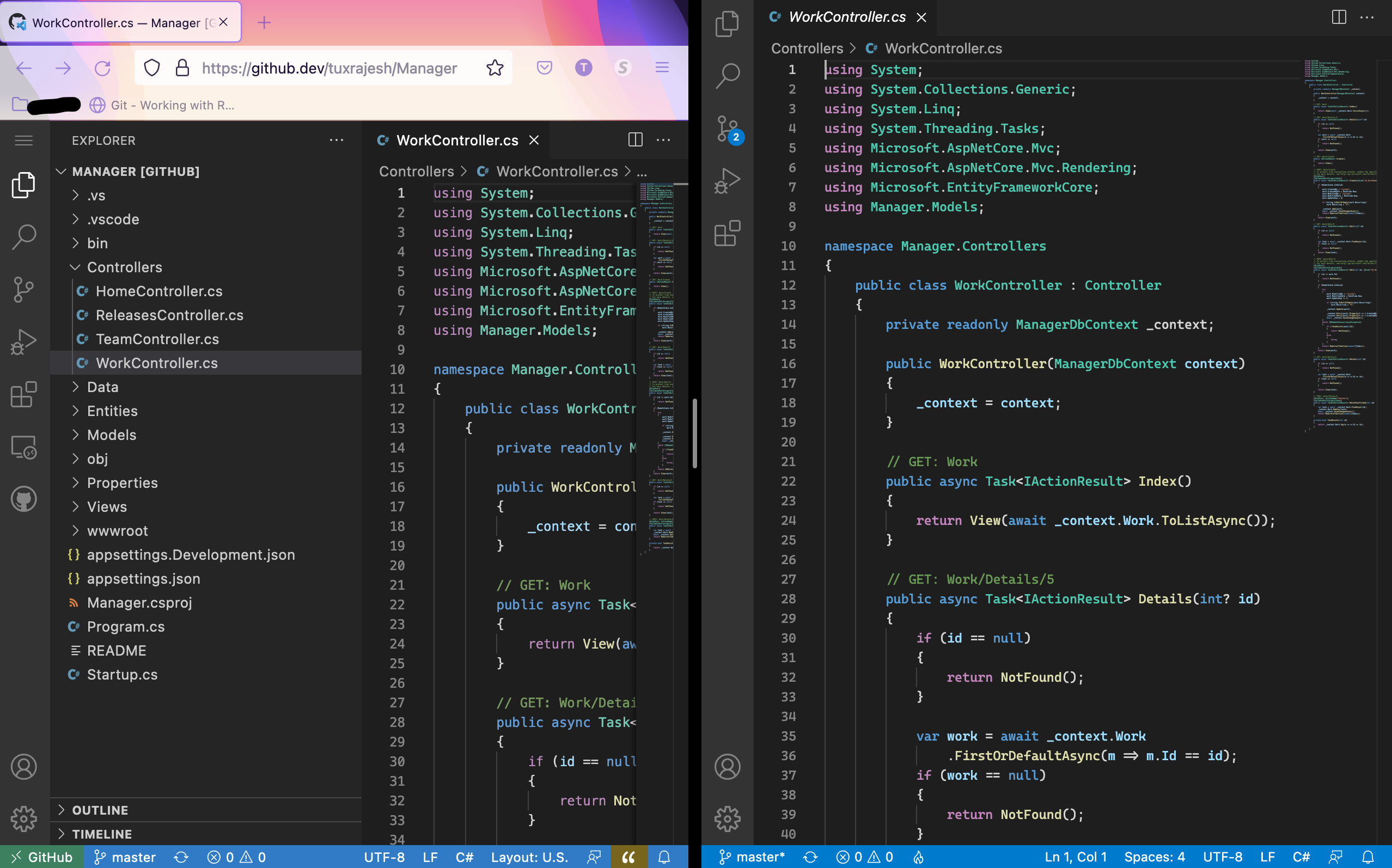
Now I have VS Code on the Mac and have setup the same exact way as in Windows. Dark Theme+ with Cascadia Code font from Microsoft. Recently, VS Code team has announced the browser editor. Use the . key to change the browser to VS Code Editor. I am fascinated by the first look and the advancement of how now the entire editor with all its features and customization can be brought over to the browser. I’m in love with it. Here is a screenshot of the browser editor and the VS code editor side by side.
 Raasukutty's
Leave a comment