Today I got access to the Google AI Studio. There is a use case that I wanted to get started on. So here is the prompt I started off with
- Imagine you are a ML engineer at a startup. Your company uses a custom programming language for building applications. It is now desired by your unit that the end users in your company will like to use a code agent to build applications using your custom programming language. How will you go about creating a model and train it for making it available to a LLM to help. Also the platform this is to be built on is Azure ML
Gemini Code Assist Agent stated to work immediately. It was fascinating to see. Over the years, what as a software engineer I am used to do, the AI agent was doing. Thinking, Slicing into chunks, Narrating and finally providing a write up.
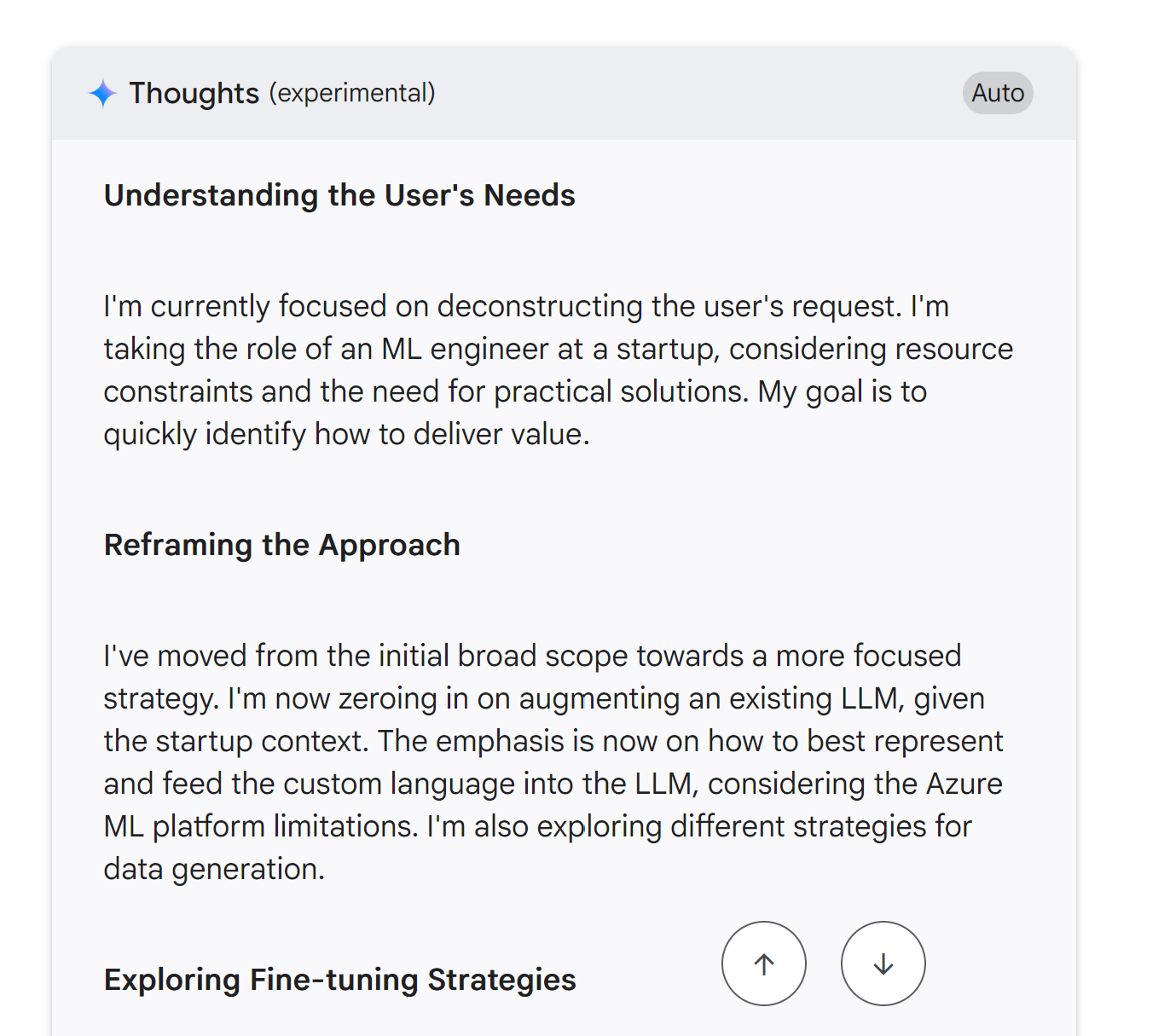
I feel we are extremely lucky to live in this age where automation is going to define the next Technology Age. Here is the output from the Studio. I am going to take it on a spin next.
Phase 1: Data Strategy & Curation (The Most Critical Phase)

No model can learn without data. For a custom language, this is our biggest challenge and our most valuable asset.

Objective: Create a high-quality dataset of (instruction, code_snippet) pairs.

1. Data Sourcing - We'll be scavengers and creators:

    Existing Codebase: This is our gold mine. I'll write scripts to parse our entire production codebase.

        Source: Git repositories.

        Process:

            Extract functions/methods and their docstrings. This gives us (docstring, function_code) pairs.

            Parse unit tests. The test name/description and the test code itself form another valuable pair.

            Analyze commit messages. A commit like "Refactor user authentication logic" can be paired with the code diff.
For a real quick project, here is a prompt that I supplied
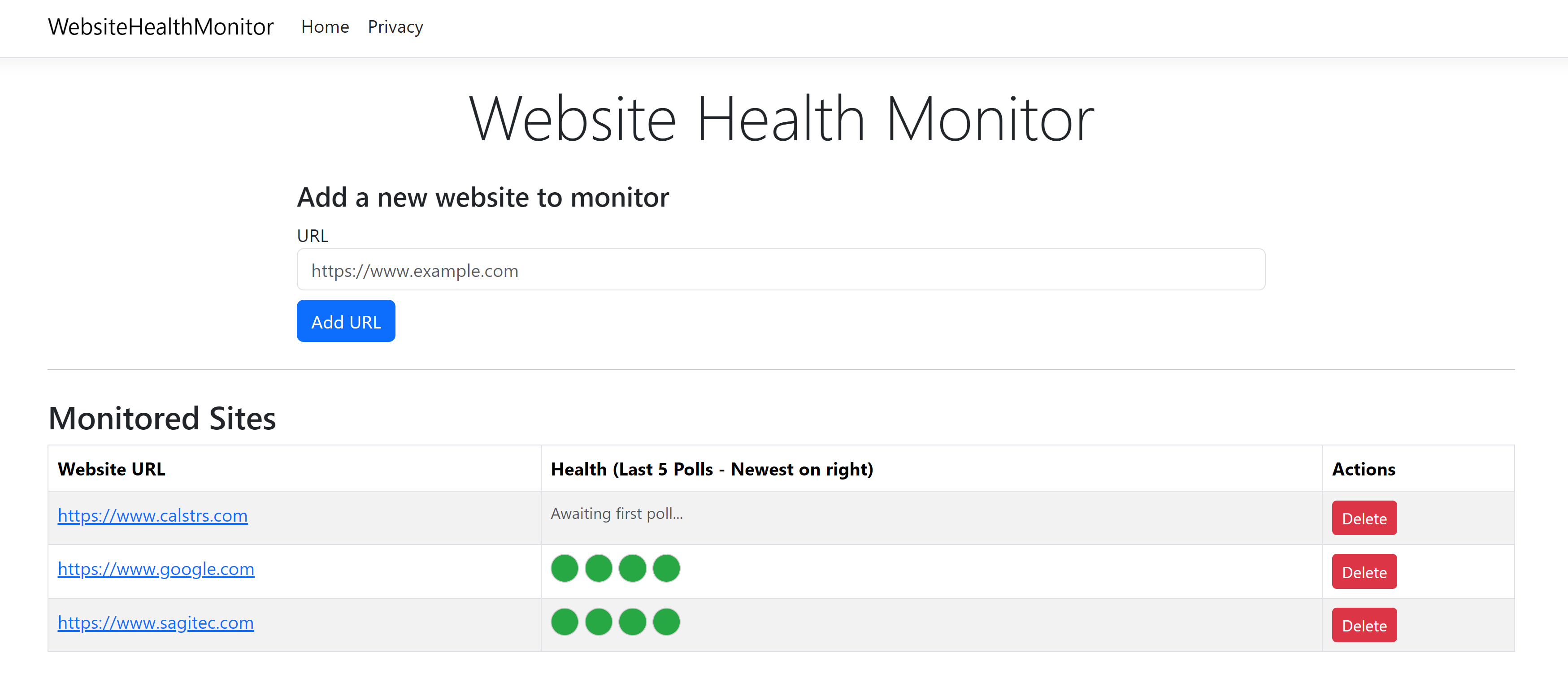
- Create a C# web application that will monitor the health of an external website. What we need the web application to do is poll the external website every 5 minutes (configurable) and record the status in a simple database. The web application should have a front end that accepts URL as the parameter. Make this application accept as many URLs as possible. For each URL that is monitored, display the health for the last 5 polls. Show as green if the polling succeeded and red if the polling is a failure.
I tried this with Google AI Studio. I tried this same prompt on the Github Co-Pilot Chat as well on Visual Studio Code. But the Google AI Studio code was the one that compiled with Zero (0) Errors and Warnings. With the Github Co-Pilot after pondering for 30 minutes with debugging and fixing, I am yet to get it to run. Here is the screenshot from the Google AI Studio Generated Website.










 Raasukutty's