Category: Programming

  • Google AI Studio for WebPoller

    Today I got access to the Google AI Studio. There is a use case that I wanted to get started on. So here is the prompt I started off with

    • Imagine you are a ML engineer at a startup. Your company uses a custom programming language for building applications. It is now desired by your unit that the end users in your company will like to use a code agent to build applications using your custom programming language. How will you go about creating a model and train it for making it available to a LLM to help. Also the platform this is to be built on is Azure ML

    Gemini Code Assist Agent stated to work immediately. It was fascinating to see. Over the years, what as a software engineer I am used to do, the AI agent was doing. Thinking, Slicing into chunks, Narrating and finally providing a write up.
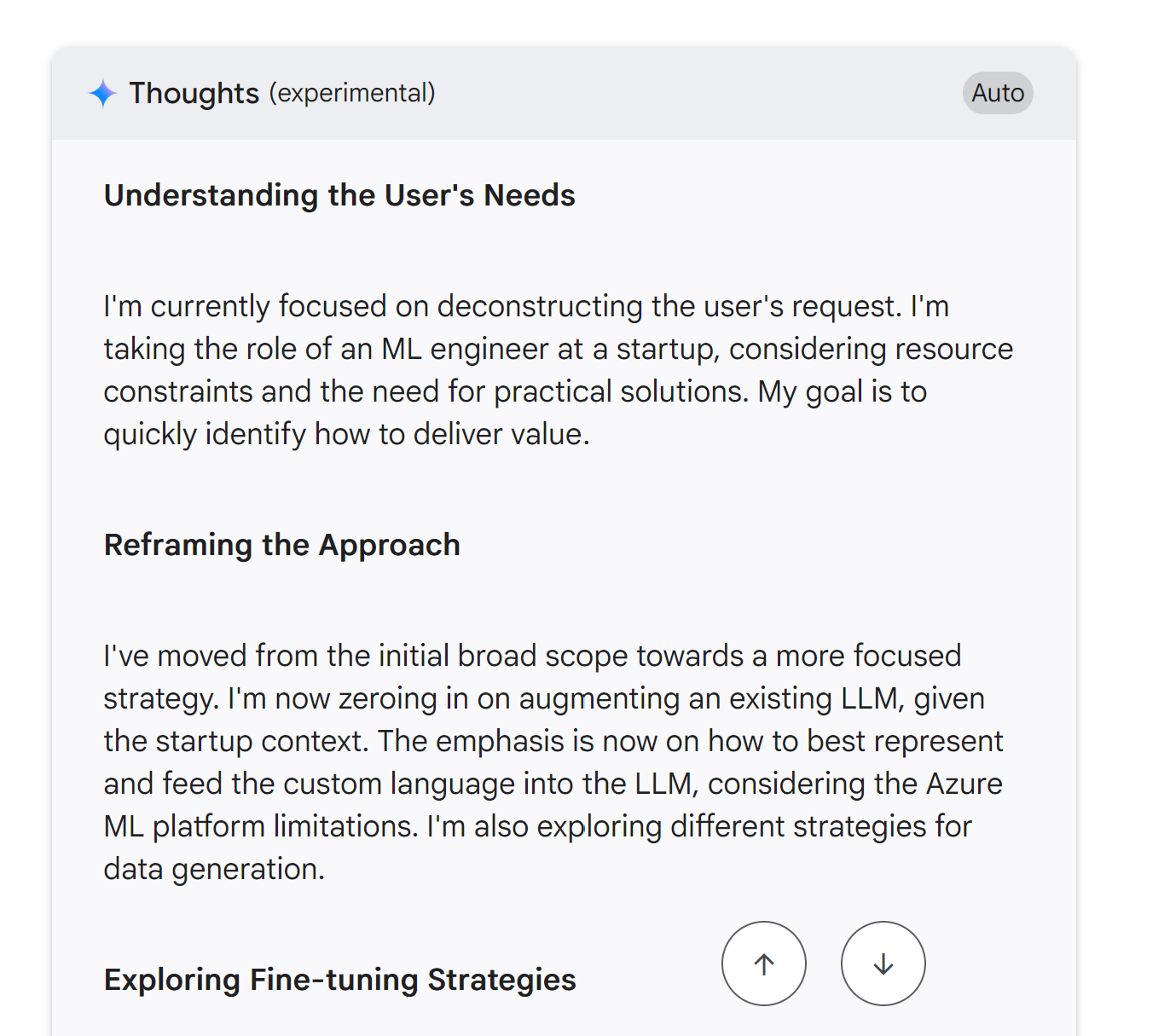
    I feel we are extremely lucky to live in this age where automation is going to define the next Technology Age. Here is the output from the Studio. I am going to take it on a spin next.

    Phase 1: Data Strategy & Curation (The Most Critical Phase)
    
    No model can learn without data. For a custom language, this is our biggest challenge and our most valuable asset.
    
    Objective: Create a high-quality dataset of (instruction, code_snippet) pairs.
    
    1. Data Sourcing - We'll be scavengers and creators:
    
        Existing Codebase: This is our gold mine. I'll write scripts to parse our entire production codebase.
    
            Source: Git repositories.
    
            Process:
    
                Extract functions/methods and their docstrings. This gives us (docstring, function_code) pairs.
    
                Parse unit tests. The test name/description and the test code itself form another valuable pair.
    
                Analyze commit messages. A commit like "Refactor user authentication logic" can be paired with the code diff.

    For a real quick project, here is a prompt that I supplied

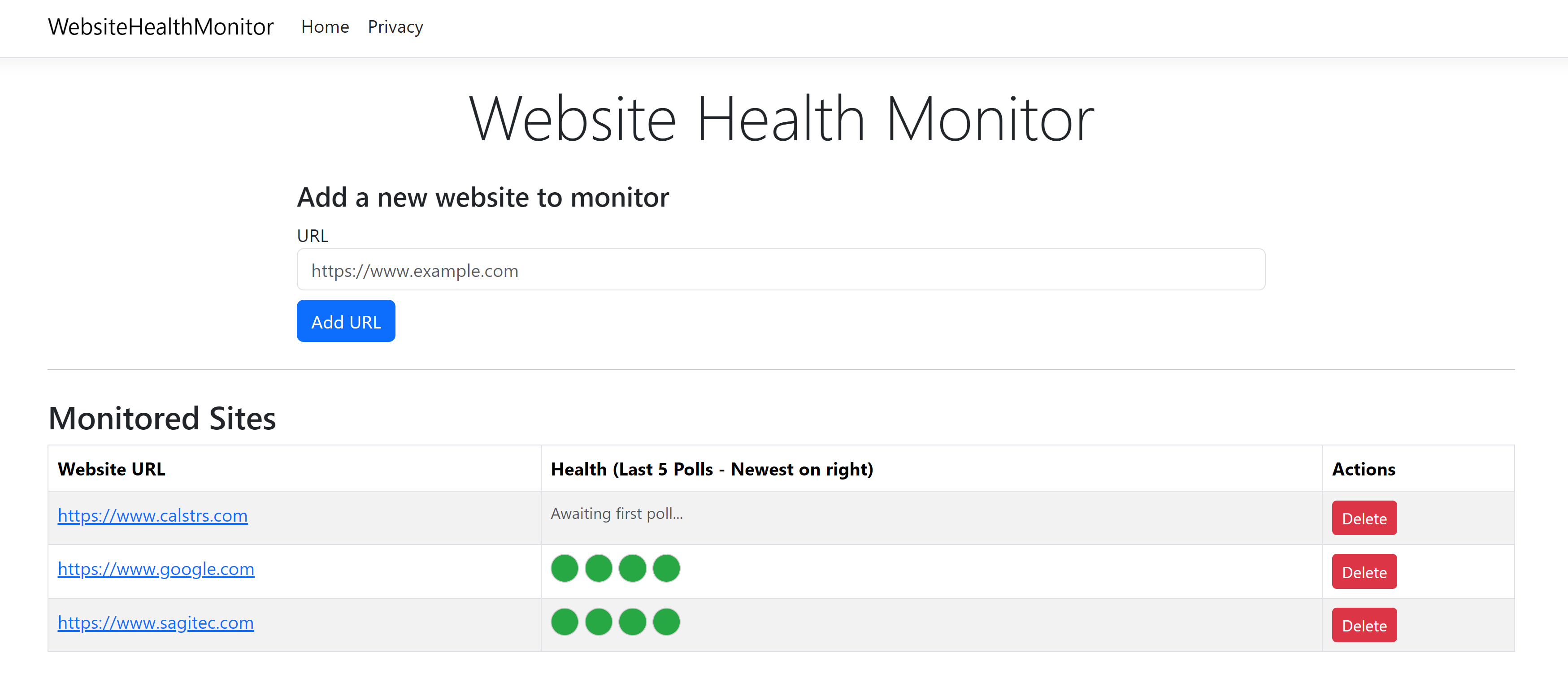
    • Create a C# web application that will monitor the health of an external website. What we need the web application to do is poll the external website every 5 minutes (configurable) and record the status in a simple database. The web application should have a front end that accepts URL as the parameter. Make this application accept as many URLs as possible. For each URL that is monitored, display the health for the last 5 polls. Show as green if the polling succeeded and red if the polling is a failure.

    I tried this with Google AI Studio. I tried this same prompt on the Github Co-Pilot Chat as well on Visual Studio Code. But the Google AI Studio code was the one that compiled with Zero (0) Errors and Warnings. With the Github Co-Pilot after pondering for 30 minutes with debugging and fixing, I am yet to get it to run. Here is the screenshot from the Google AI Studio Generated Website.
  • Cascadia Code and Oh-My-Posh

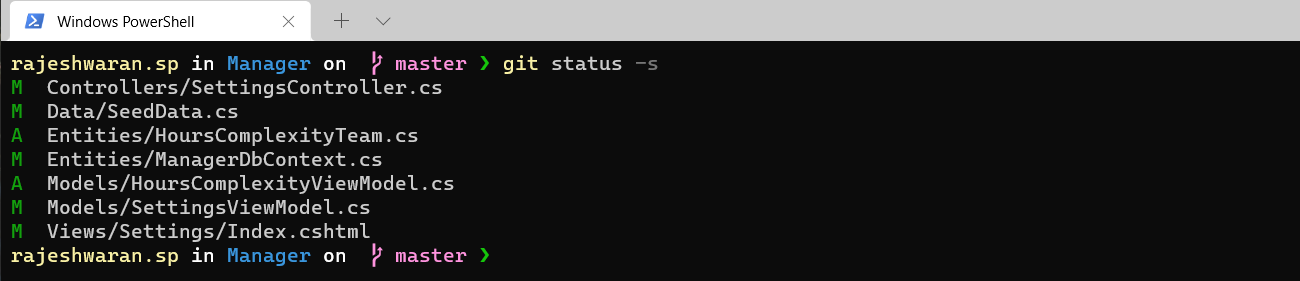
    Following Scott Hanselman’s Post on customizing the terminal, I have customized my windows box’s Terminal to use Cascadia Code PL font and the On-My-Posh Theme.

    PS Prompt

    My favorite font for programming was Monaco previously, until I discovered Cascadia Code PL. I have gotten to like it so much that now I have it as the font for SQL Editor, VS Code (both on Windows and mac), Bash Terminal, and Windows Terminal.

    Among the Oh-my-Posh themes, my personal favorite is ‘Spaceship’ that you see in the screenshot above. Exploring adding Oh-my-Posh to Bash next.

    You can find details about customizing at https://devblogs.microsoft.com/commandline/windows-terminal-tips-and-tricks/

  • VS Code and Git

    As a developer finding the right editor and customizing it is one of personal preference. I had always like dark themes and was fascinated when working on Vi, Emacs, Notepad++ and TextMate. But the search for the best editor continues in my mind always.

    My primary job involves working with .Net and Visual Studio IDE is the preferred platform. I am comfortable using it, but it is huge when all you need is to edit a couple of documents. When Visual Studio Code was launched, I was excited and have used it as an editor in my office machines. Recently I am exploring my hands on using my personal Mac to try development of .Net apps.

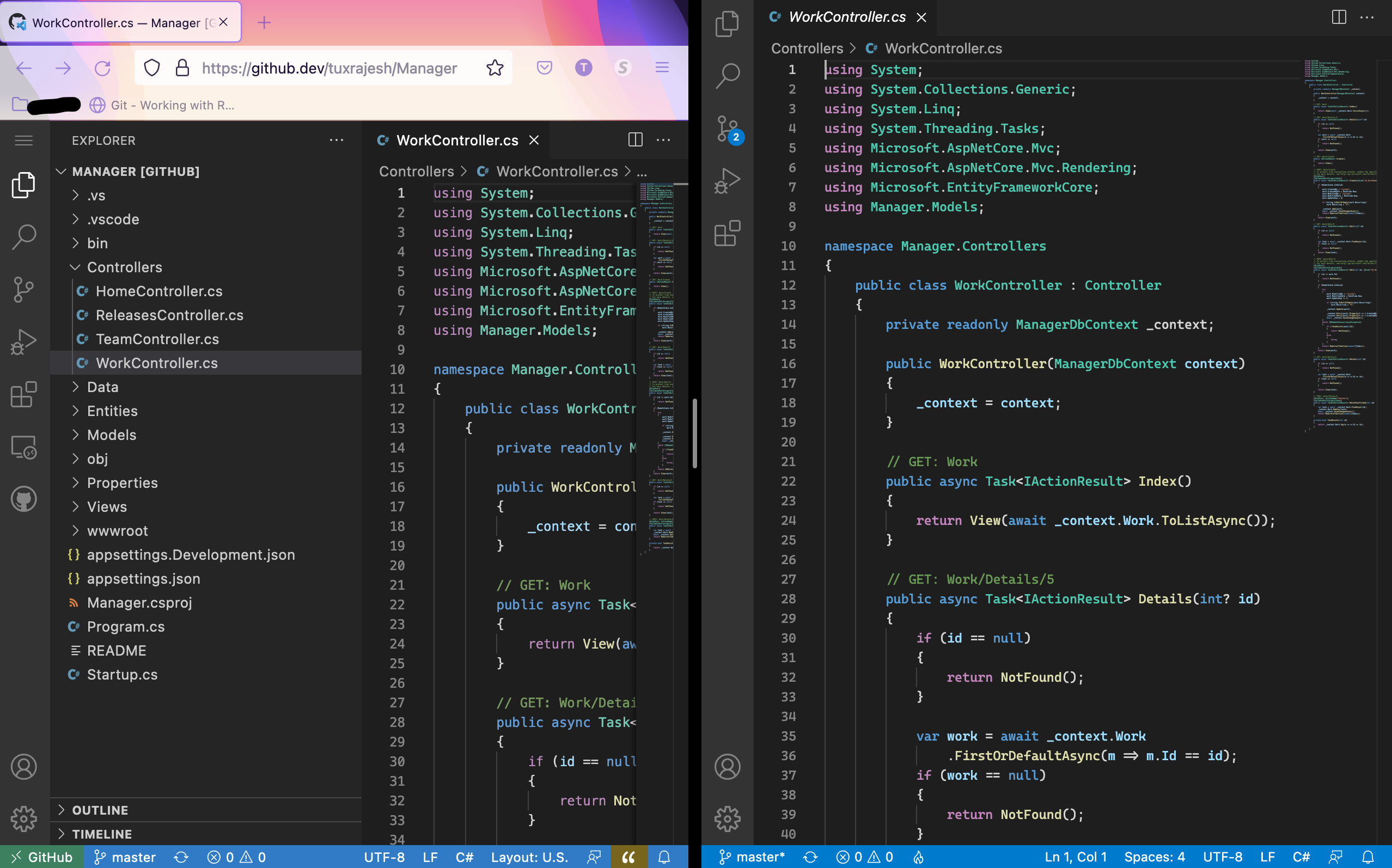
    Now I have VS Code on the Mac and have setup the same exact way as in Windows. Dark Theme+ with Cascadia Code font from Microsoft. Recently, VS Code team has announced the browser editor. Use the . key to change the browser to VS Code Editor. I am fascinated by the first look and the advancement of how now the entire editor with all its features and customization can be brought over to the browser. I’m in love with it. Here is a screenshot of the browser editor and the VS code editor side by side.

    GitHub.dev and VS Code Local
  • Trying .Net development on Mac

    Since my primary work involves programming with .Net, I have not used my personal laptop for programming other than fiddling with Python and Ruby sometimes.

    With .net core now supporting all platforms, want to start trying out development on Mac. Taking the first step towards that and installing Docker.

    Docker Install on Mac

    Will update the blog on my experience with .Net on Mac. Hello World to C# on Mac.

  • Google Facial Recognition

    I was impressed to the extent to which facial recognition algorithms have grown. Casually as I was browsing my albums on Google Photos, noticed that they have a feature to search by People. Initially I didn’t pay much attention as I suspected that there will be lot of duplicates where the software would recognize the same person as two different person. But I was amazed. No duplicates.

    No DuplicatesGoing that far, wanted to see if the photos tagged to the people were right. I wanted to pick on someone who is in pictures and in different position, front, behind etc.. There again, the results were impressive.

    2 3 4 5 6


    Above I have a sample of what I got!.  Way to go Google!

  • MergeConfig

    Maintaining .net configurations across development, test and production regions have always been a problem that is faced. To ease this process,  I was thinking of creating a utility that makes it easy to use and help deployments. The goal was to eliminate need to save and maintain multiple files for various regions. Here it is, “MergeConfig”

    The utility uses ‘MergeConfig.xml’ as XML file to hold this information. The structure of this XML file is organized as:

    • Deployment Region <deploymentRegion>
    • File Info <fileInfo>
    • Maintain Configuration <maintainConfig>

    The Deployment Region specifies the name of the region, i.e. dev, test, prod.This section is to be defined one per region.

    <deploymentRegion name="Development">

    The File Info section specifies the file path that is to be merged. This section is defined one per region per file

    <fileInfo fileName="D:\Project\App.config">

    The Maintain Configuration section specifies what attribute to be replaced with what.

    <maintainConfig findXPath="//root/configuration/add[@key='TestConfig']" replaceAttribute="value" replaceWith="ABC" />

    Here the ‘findXPath’ attribute defines which element to look for in the configuration file. ‘replaceAttribute’ defines which attribute in the element has to replaced and ‘replaceWith’ defines the new value for that region. For example, consider the following in the App.config file

    <root>
    	<connections>
    		<connection ID="main" connectionString="DataSource=DEV;Password=PWD;UID=UID" />
    		<connection ID="log" connectionString="DataSource=DEV;Password=PWD;UID=UID" />
    	</connections>
    </root>

    We would need to use,

    <maintainConfig findXPath="//root/connections/connection[@ID='main']" replaceAttribute="connectionString" replaceWith="Data Source=localhost" />

    The syntax for running this command line utility is:

    MergeConfig.exe {/r | /region}: {/v | /verbose}

    The switch /r specifies which region to use, and /v specifies if verbose output is required.
    Examples:

    MergeConfig.exe /r:Development /v
    MergeConfig.exe /r:Development /verbose
    MergeConfig.exe /region:Development

    Click Download to get the compiled utility.

  • Android App – Cows and Bulls Game

    When I considering the next thing that I could consider for my side projects other than just fiddling with Python, Android App Development struck a chord. In order to learn this new thing, I wanted to create something that I would like doing, and immediately, Cows and Bulls game came to mind. It is simple, yet a wonderful start to learn a new platform.

    Cows and Bulls as a game was introduced to us (College Friends), by Mr. Barath (a.k.a Mr B). A simple four letter word game, where the aim is to find the four letter word. We used to play this during class in the last bench.

    Today, I have it released on the Android Play Store, thanks to my wife, who was kind enough to grant me $25.00 to get myself registered as a developer in Android Play. Please do check this out and let me know if any issues and feedback.

  • Visual Studio Themes

    I like changing the look and feel of the IDE and the TextEditor that I use everyday. Since I am into .net programming the IDE that I live on is the Visual Studio.

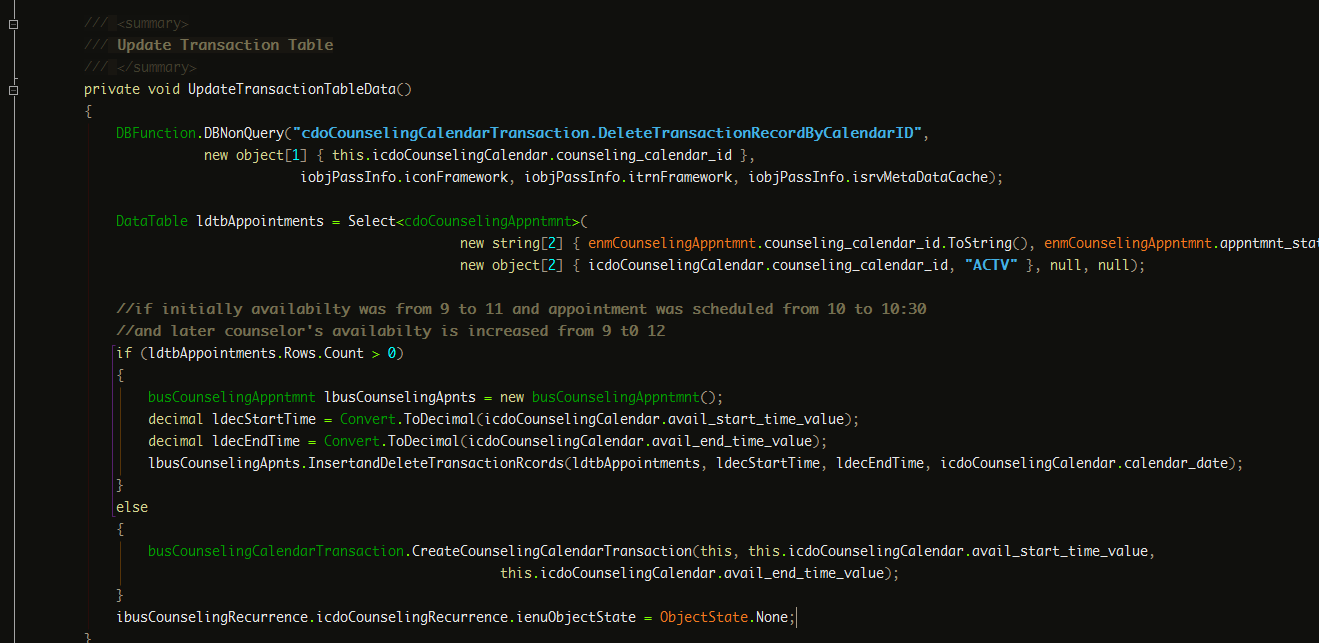
    In this post, I share the settings files (read themes) that I use for my Visual Studio 2010 setup.

    Dark Rajesh Settings

    I have used this settings for more than a year now. This settings is a modification of the DesertNights Theme available widely.

    Features:

    • Dark Theme
    • Light Contrast to be pleasing on the eyes
    • Uses Monaco Font

    VS 2010 Settings
    DarkRajesh Settings – VS 2010

    Download Settings : DarkRajesh.vssettings

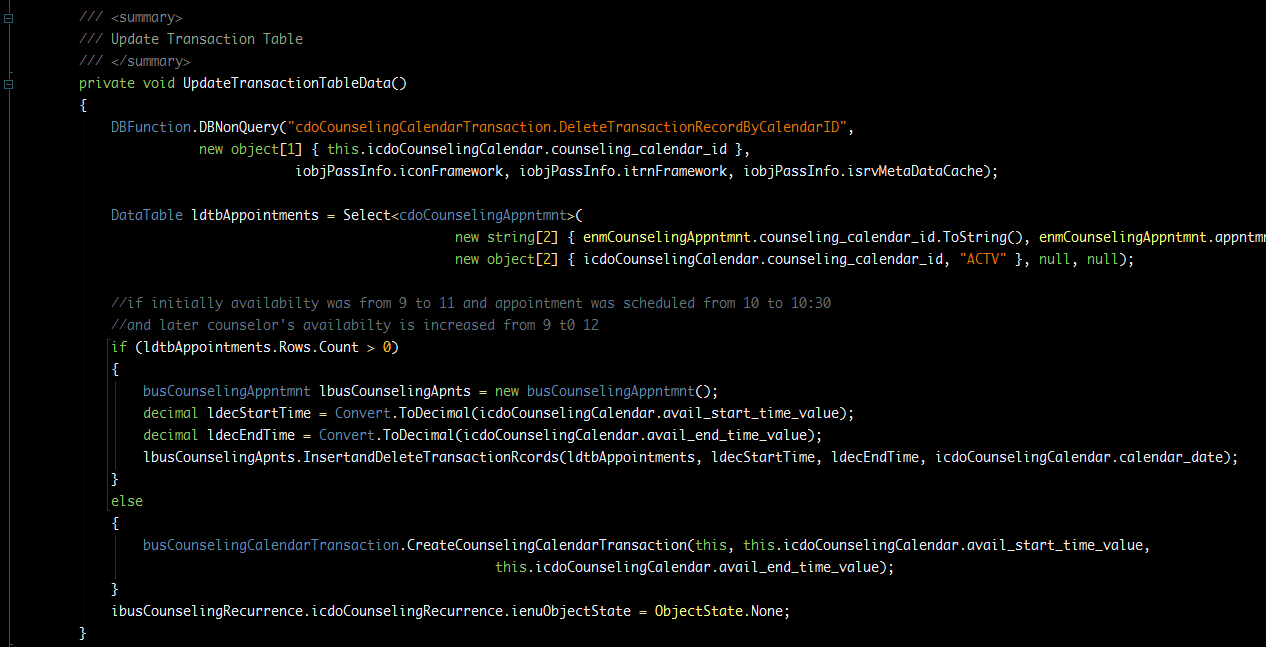
    Dark Raasukutty Settings

    This settings is a modification of the Son of Obsidian Theme.

    Features:

    • Dark Theme
    • Uses Monaco Font

    Dark Raasukutty
    Dark Raasukutty – VS 2010 Settings

    Download Settings : DarkRaasukutty.vssettings

    More VS settings can be downloaded from http://studiostyl.es/ website.

  • Time Tracking Tool

    Suddenly we felt the need to time track in our project. So I started the hunt on the best free time tracking tools available before even trying to write my own. A colleague of mine, Shubham has written his own time tracking tool and had been using it. Didn’t get a chance to try it though.

    Following were the features I was looking for:

    • Must be a Desktop App and should not want me to sign-up to use it.
    • Free
    • Easy to use
    • Support for Color coding different tasks

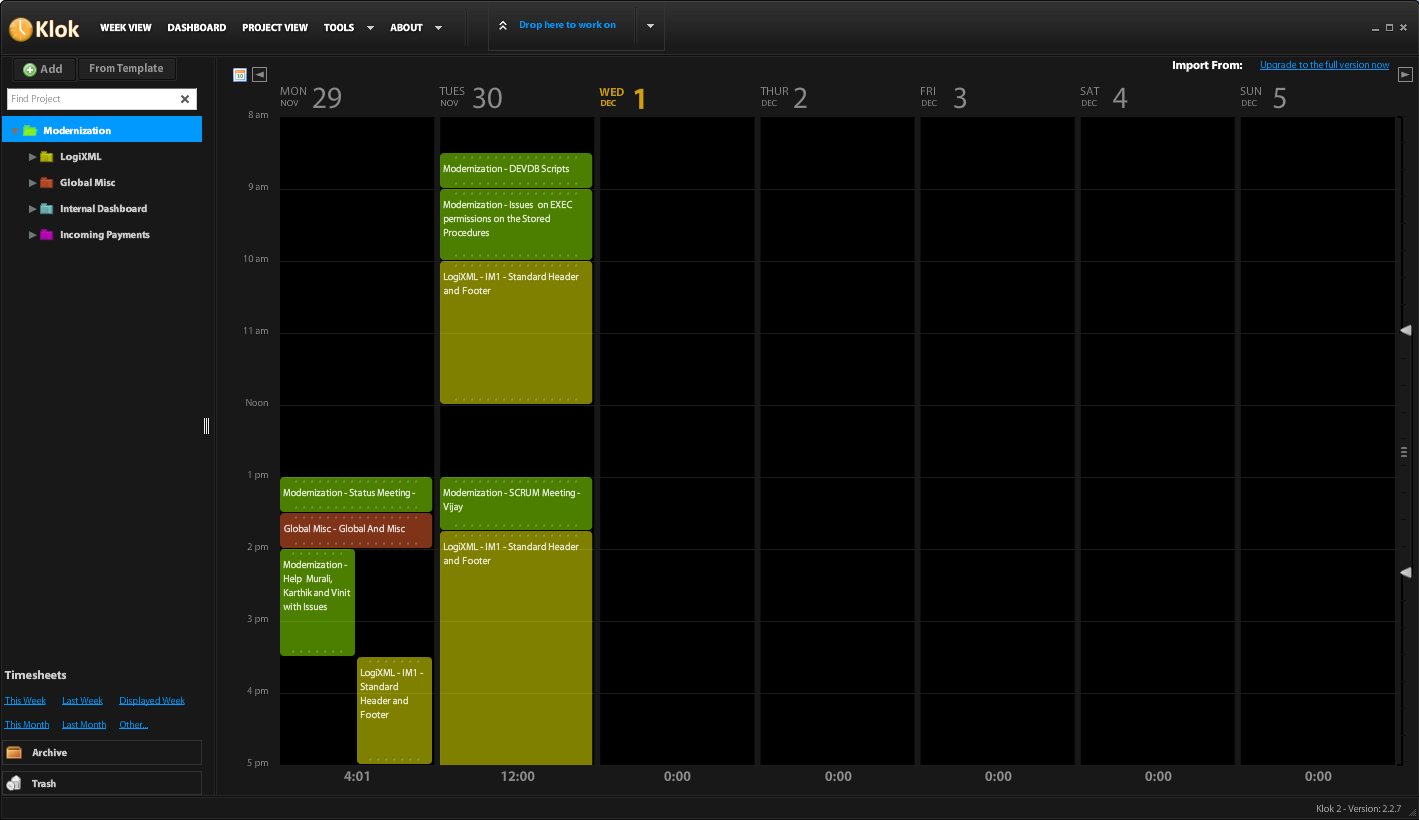
    I have settled with Klok, an Adobe AIR application for time tracking. It is really simple and lightweight install. It has all the features I wanted. Klok installs on the desktop. It allows to create Projects and Sub Projects to track time.

    It has a timer that starts as you start working. It allows to export to Excel and CSV formats. Really handy to report at the end of each week, month or year.

    Klok Interface
    Klok Time Tracking Tool

    More to work on and more to track. Happy Working!

  • C#: LINQ Join and order by

    Recently, I had a requirement which read as this:

    Allocate payments into the details by contribution type such that oldest due amounts are first allocated based on the allocation order specified.

    To re-phrase it in programming terms, we had a collection that contained due amounts with contribution type and date due. We also had a rule set that defined which contribution type has to be allocated first. Overriding this rule set was the oldest due amount rule.

    So the collection with the due amount and date is defined as below:

    public class Detail
    {
    	public string contribType { get; set; }
    	public decimal amount { get; set; }
    	public DateTime reportingDate { get; set; }
    
    	public Detail(string contribType, decimal amount, DateTime reportingDate)
    	{
    		this.contribType = contribType;
    		this.amount = amount;
    		this.reportingDate = reportingDate;
    	}
    }

    The rule for allocation is defined as:

    public class CodeValue
    {
    	public string codeValue { get; set; }
    	public string allocateOrder { get; set; }
    
    	public CodeValue(string codeValue, string allocateOrder)
    	{
    		this.codeValue = codeValue;
    		this.allocateOrder = allocateOrder;
    	}
    }

    We have multiples ways to implement the logic. Here is an example using LINQ.

     var sortedResult= from detail in detailCollection
                                   join codeValue in codeValueCollection on detail.contribType equals codeValue.codeValue
                                   into joinedDetails
                                   from fullDetail in joinedDetails.DefaultIfEmpty()
                                   orderby detail.reportingDate, fullDetail.allocateOrder
                                   select detail;

    By looping through the resulting ‘sortedResult’ collection, one can easily satisfy the requirement. Elegant code with LINQ.