After installing rails, to test it, I created a rails application using the following command at the command prompt.
rails -d mysql todolist
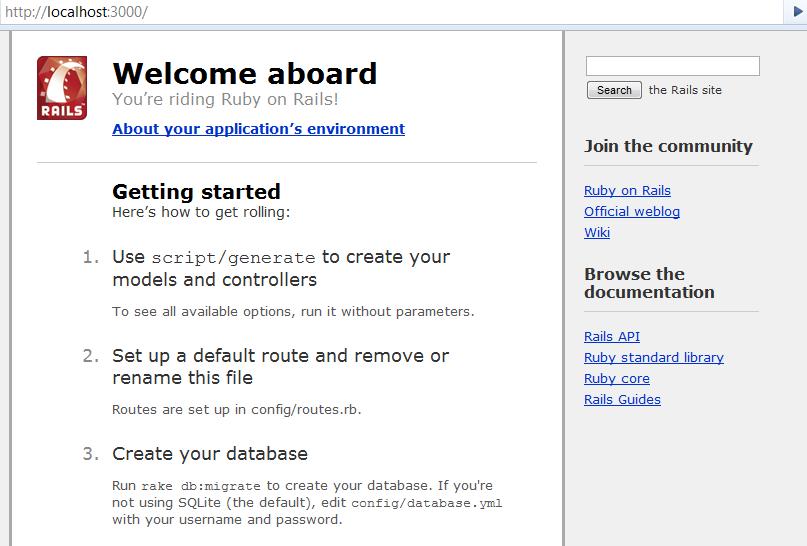
Pointing to http://localhost:3000 displayed the expected Welcome message.
But then clicking on the About your application’s environment displayed a error message like below.
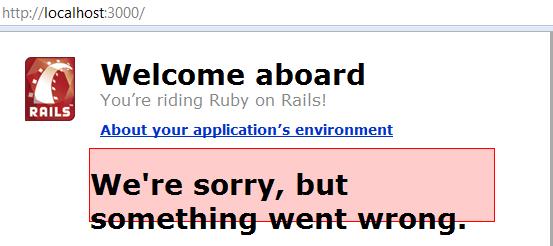
That’s the least thing I expected. Digging into the development.log file located in the project log directory, displayed the actual error message, “Client does not support authentication protocol requested by server; consider upgrading MySQL client”.
Looking into the web for help, the problem with the way rails (as a client) was trying to access MySQL server. Rails uses a old password hashing used in MySQL 4.1, and the current version that I am running is MySQL 5.0. This had caused the error. The fix is running the following script in mysql prompt.
mysql> SET PASSWORD FOR 'railsuser'@'host' = OLD_PASSWORD('password');
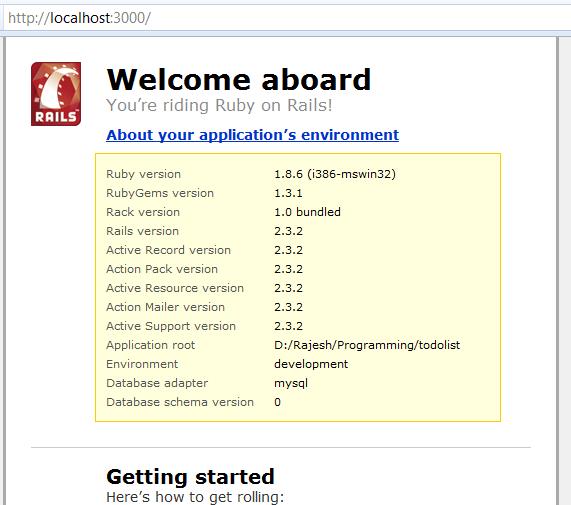
That fixes it and you would get the following screen.
 Raasukutty's