To fix the error, “This application has failed to start because LIBMYSQL.DLL was not found. Re-installing the application may fix this problem.” while working on rails using mysql as the database,
Copy the libmysql.dll found in the mysql installation directory (mysql\bin) and paste it in your ruby installation directory (ruby\bin)
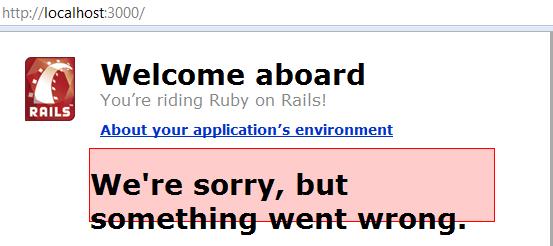
But then clicking on the About your application’s environment displayed a error message like below.
Error in Rails
That’s the least thing I expected. Digging into the development.log file located in the project log directory, displayed the actual error message, “Client does not support authentication protocol requested by server; consider upgrading MySQL client”.
Looking into the web for help, the problem with the way rails (as a client) was trying to access MySQL server. Rails uses a old password hashing used in MySQL 4.1, and the current version that I am running is MySQL 5.0. This had caused the error. The fix is running the following script in mysql prompt.
mysql> SET PASSWORD FOR 'railsuser'@'host' = OLD_PASSWORD('password');
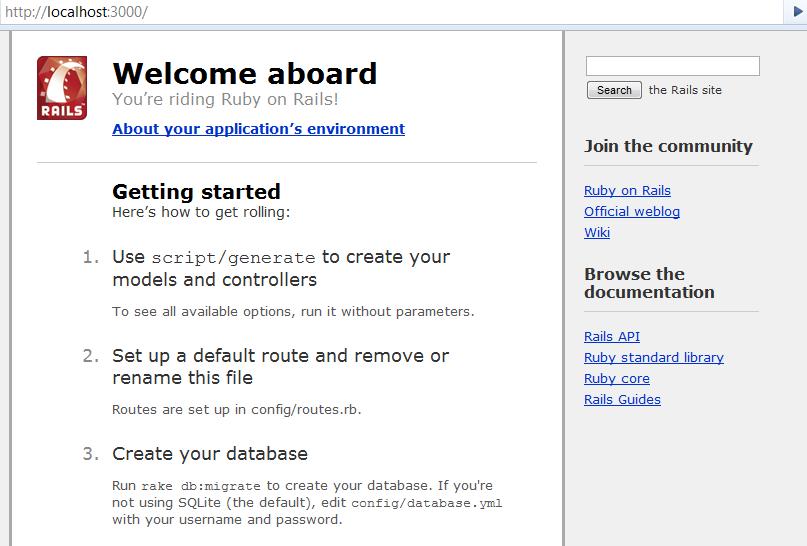
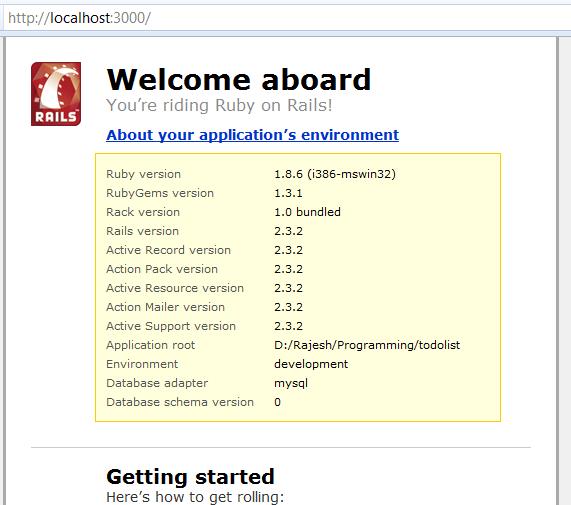
That fixes it and you would get the following screen.
After a unsuccessful installation of rails that took nearly 5 hours, I decided to get rid of Ruby. But the geek inside me, wanted me to go for the kill. That started the quest of successfully installing and deploying rails on WAMP server. Here are the steps.
Install WAMP and Ruby on the machine.Extract the Ruby Gems Zip file to any location and open a command prompt window.Run setup.rb from the command prompt in the location where the zip was extracted.Open command prompt and navigate to the folder where the downloaded gems are located.Install Rake using the following command.
gem install rake-x.x.x --local
Here x.x.x stands for the version number, for example, to install rake-2.3.2.gem run it as ‘gem install rake-2.3.2 –local’.Install Active Support, Active Record, Action Pack, Action Mailer and Rails using the command as below
gem install gem-x.x.x --local
Replacing the gem- to the current gem to be installed.
This will get Rails installed on the machine. The total install time should be close to 10 minutes.
 Raasukutty's