Suddenly we felt the need to time track in our project. So I started the hunt on the best free time tracking tools available before even trying to write my own. A colleague of mine, Shubham has written his own time tracking tool and had been using it. Didn’t get a chance to try it though.
Following were the features I was looking for:
Must be a Desktop App and should not want me to sign-up to use it.
Free
Easy to use
Support for Color coding different tasks
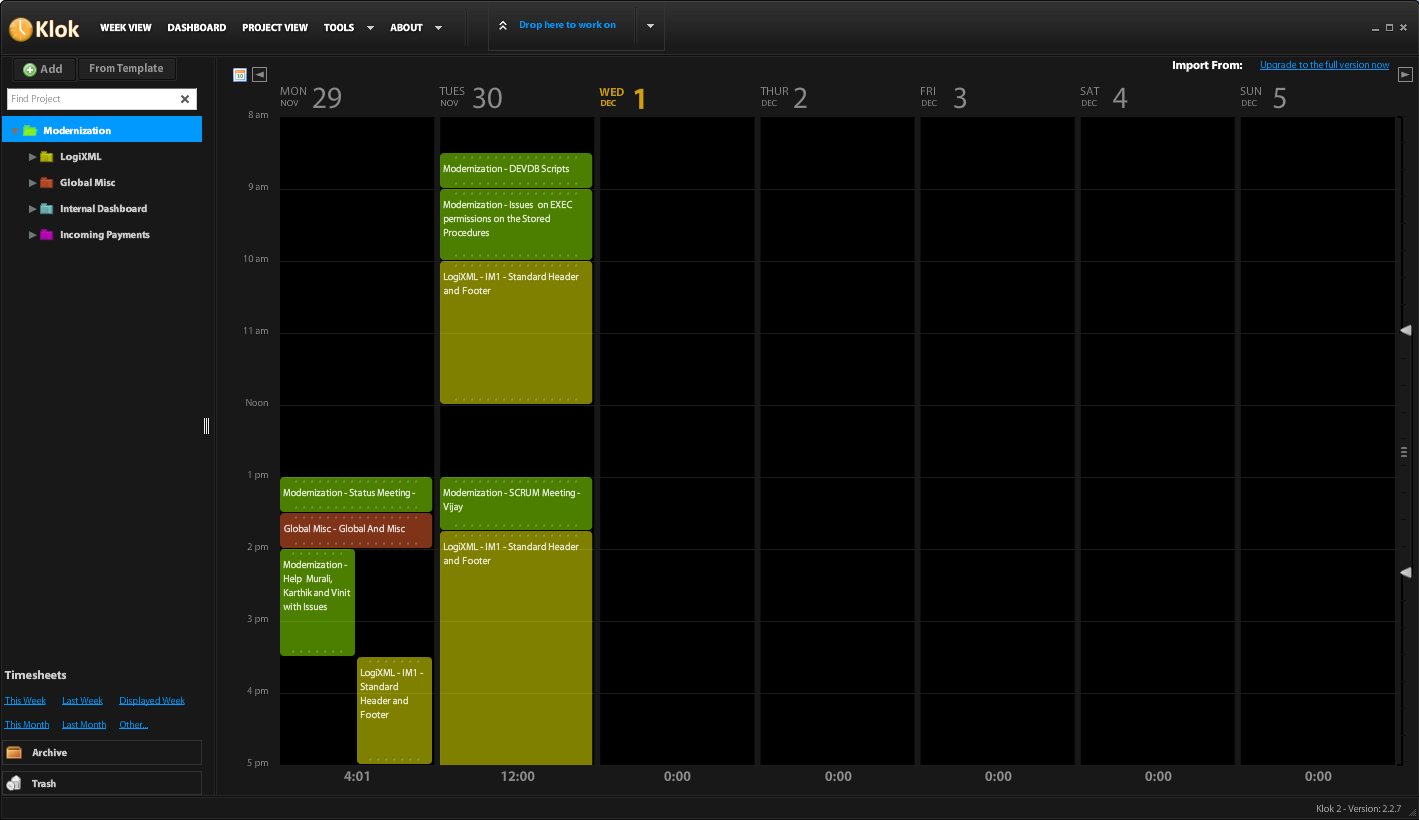
I have settled with Klok, an Adobe AIR application for time tracking. It is really simple and lightweight install. It has all the features I wanted. Klok installs on the desktop. It allows to create Projects and Sub Projects to track time.
It has a timer that starts as you start working. It allows to export to Excel and CSV formats. Really handy to report at the end of each week, month or year.
 Raasukutty's